
If you want to learn the newest version of Python, you’ll need to install Python 3. You can install it alongside Python 2.7 with no problems, so go ahead and download and run the installer now.
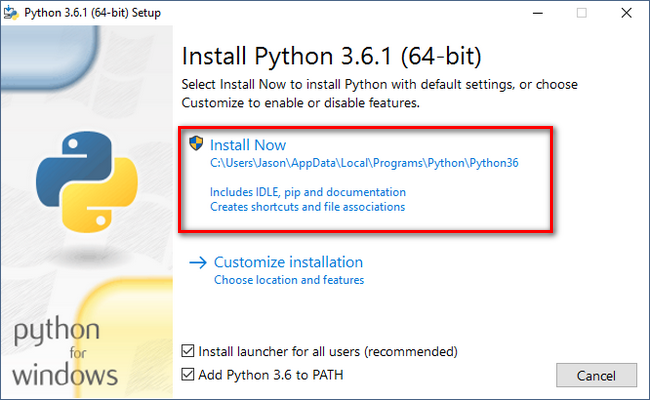
select “Install for all users,” and then click “Next.”

On the customization screen, scroll down, click “Add python.exe to Path,” and then select “Will be installed on local hard drive.” I recommend. C:\python ., because you know easy where is your python file .
When you’re done, click “Next.”
When you’re done, click “Next.”

Click next button installation will be completed. Then search button in desktop type idle click enter you will see idle editor , you can write your your python code and run . Idle mostly you don’t need install because it comes with package. If not installed you install separately. Type in google idle for python download .you can find more link .


No comments:
Post a Comment