
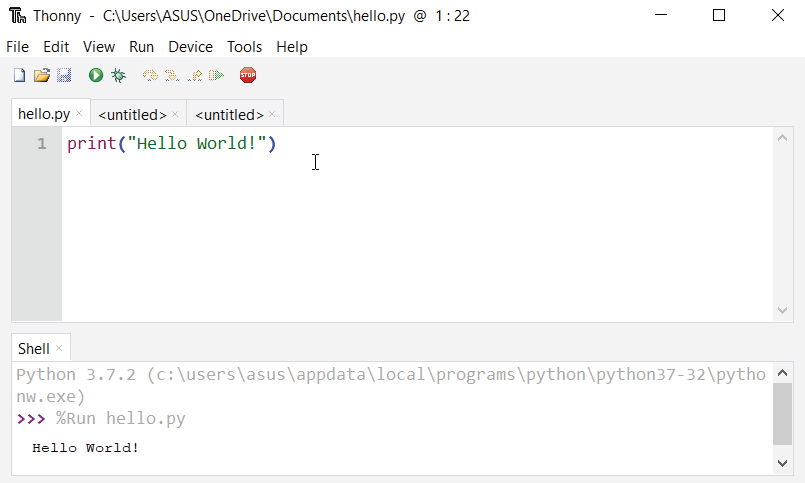
The easiest way to run Python is by using Thonny IDE.
Note you can use also IDLE editor ,it comes with python when you install python.
Note you can use also IDLE editor ,it comes with python when you install python.
The Thonny IDE comes with the latest version of Python bundled in it. So you don't have to install Python separately.
Follow the following steps to run Python on your computer.
- Download Thonny IDE.
- Run the installer to install Thonny on your computer.
- Go to File > New. Then save the file with
.pyextension. For example,hello.py,example.pyetc.
You can give any name to the file. However, the file name should end with .py - Write Python code in the file and save it.
- Then Go to Run > Run current script or simply click F5 to run it

No comments:
Post a Comment